Getting Started
This guide walks you through the complete process of creating captions for Final Cut Pro.
Capti transcribes your video's audio, intelligently groups the transcript into readable caption segments, and exports perfectly formatted captions directly to Final Cut Pro - no installation required.
Workflow Overview
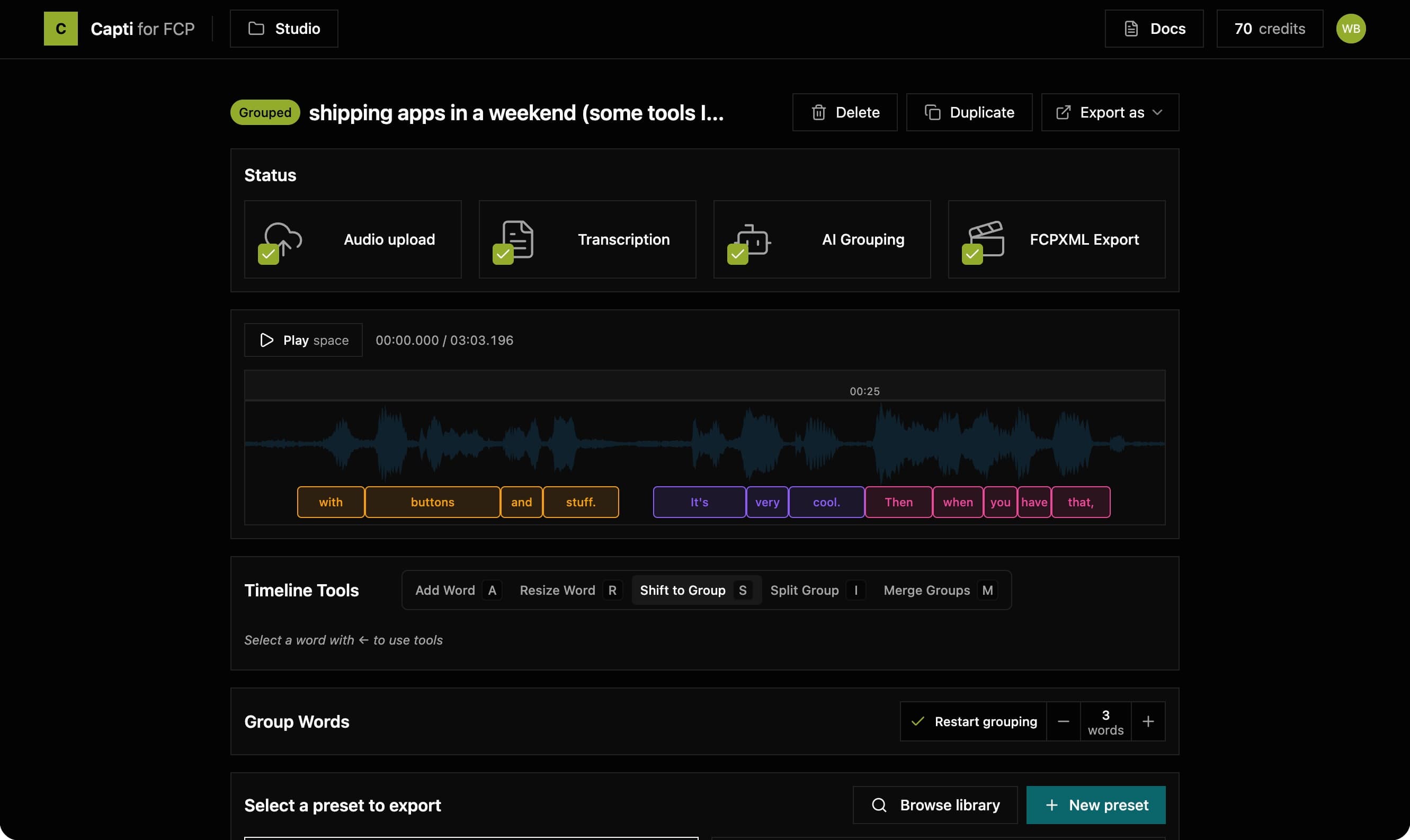
Importing source content
Upload your audio or video file
Transcription
AI-powered speech-to-text
Editing Subtitles
Edit text and adjust timing on the timeline
Automatic Grouping
Combine words into readable phrases
Styling Titles Using Presets
Apply styling with presets
Exporting Captions
Download your captions in various formats
Capti Studio Omni (optional)
Connect platform accounts and publish to multiple destinations
Import into Final Cut Pro
Add captions to your Final Cut Pro project